Kling AI made its name in video. Its new still-image model, Kling Image 4.0, launched on November 17–18, 2026, and it attacks the two problems that have kept AI images out of finished design work: resolution and text. The model generates natively at up to 8K, renders up to 2,000 characters of legible text inside a single image, and can plan a set of up to ten cohesive images from one prompt. It is available in Kling Creative Studio, the company’s browser-based workspace, and through its API. For designers who have treated image generators as moodboard machines, this one is aimed squarely at deliverables: posters, product pages, storyboards, decks.
Native 8K: detail you can actually use
Most image models top out at 1K or 2K and lean on an upscaler to reach print sizes. Kling says Image 4.0 generates the detail at 8K inside the model itself — a first, according to the company — with 2K and 4K options alongside it. The practical payoff is cropping room: a wide hero image can be reframed for a story, a banner, or a print layout without falling apart, and fine textures in skin, fabric, and scenery hold up when you zoom in. That matters for large-format displays and for any job where the same image has to survive in several crops. One check before you promise a client print-ready files: Kling lists 2K, 4K, and 8K as native output options, so confirm which resolutions your plan unlocks.
Text that finally behaves
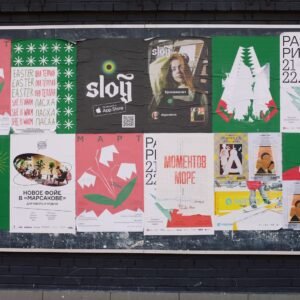
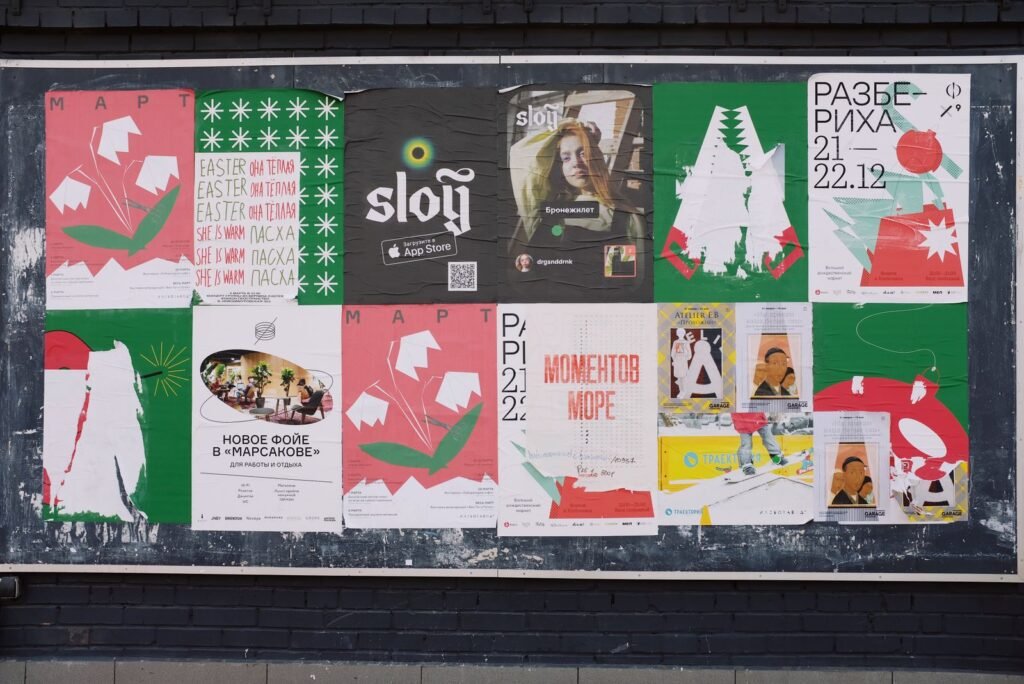
The headline feature for designers is text. Image 4.0 supports up to 2,000 characters in a single image — enough for an infographic, a menu, a product page section, or a multi-panel comic with dialogue — with small text staying legible and multi-section layouts staying organized. You can choose from more than 70 commercially licensed preset fonts, or upload a font reference image to steer the style. Text renders in seven languages: English, Japanese, Korean, Spanish, Portuguese, and Simplified and Traditional Chinese, which covers much of the multilingual work studios juggle. And if the copy changes after generation, you can edit the text and fonts directly in the generated image, with the edit blending into the original.
This is the feature to test first: generate a poster with a real headline, a subhead, and a block of small print, then proofread every line. Kling publishes no accuracy rate for long text, so treat the first outputs as drafts to verify, not finals to ship.
Sets and long pages from one prompt
The second feature with real workflow value is Series Mode: up to ten related images from a single prompt, planned as a set, with subjects and visual style held consistent while framing and angles vary. Think of a product shot from ten angles, a character held steady across a storyboard, or a campaign visual in ten crops.
The model also generates long-form images — a full e-commerce product detail page or a brand website visual — in one pass, organizing the hierarchy itself. Long images can be split into layers, so individual text and image elements can be edited and regenerated without redoing the whole page. Combined with support for up to ten reference images per request, this turns the model into something closer to a layout assistant than a slot machine: feed it the product shots, the brand references, and the copy, and it plans the page.
What it costs, and where it stands
Access is through Kling Creative Studio or the API. API pricing lists $0.063 per 2K output image, plus $0.003 per reference image or element — cheap enough to iterate, though costs add up across a ten-image series at higher resolutions.
On quality, keep the marketing in perspective. Kling cites a leading position on Artificial Analysis’ image leaderboard, while independent trackers placed the model seventh for text-to-image and sixth for editing as of November 19 — strong, not dominant. The gap between the claim and the ranking is a reminder to judge the model on your own test images, not on a leaderboard.
What to try first
Start with the job AI images have always failed: a poster with real copy. Then try a ten-image series of one product, and a long-form product page. If the text survives proofreading and the series holds together, you have a new tool for campaign variations and e-commerce visuals. If it doesn’t, you have spent a few dollars finding out.
The bottom line
Kling Image 4.0 does not replace a designer — it removes two excuses for not using AI images in finished work. Native 8K takes care of resolution; 2,000 characters of editable text takes care of typography. The rest is still your judgment: the layout, the proofread, and the call on whether the image is good enough to ship.